What Is Cloud Computing? A Guide to Choosing Cost-Effective Cloud Systems for Thai SMEs in 2026
What Is Cloud Computing? Why Thai SMEs Need It in 2026
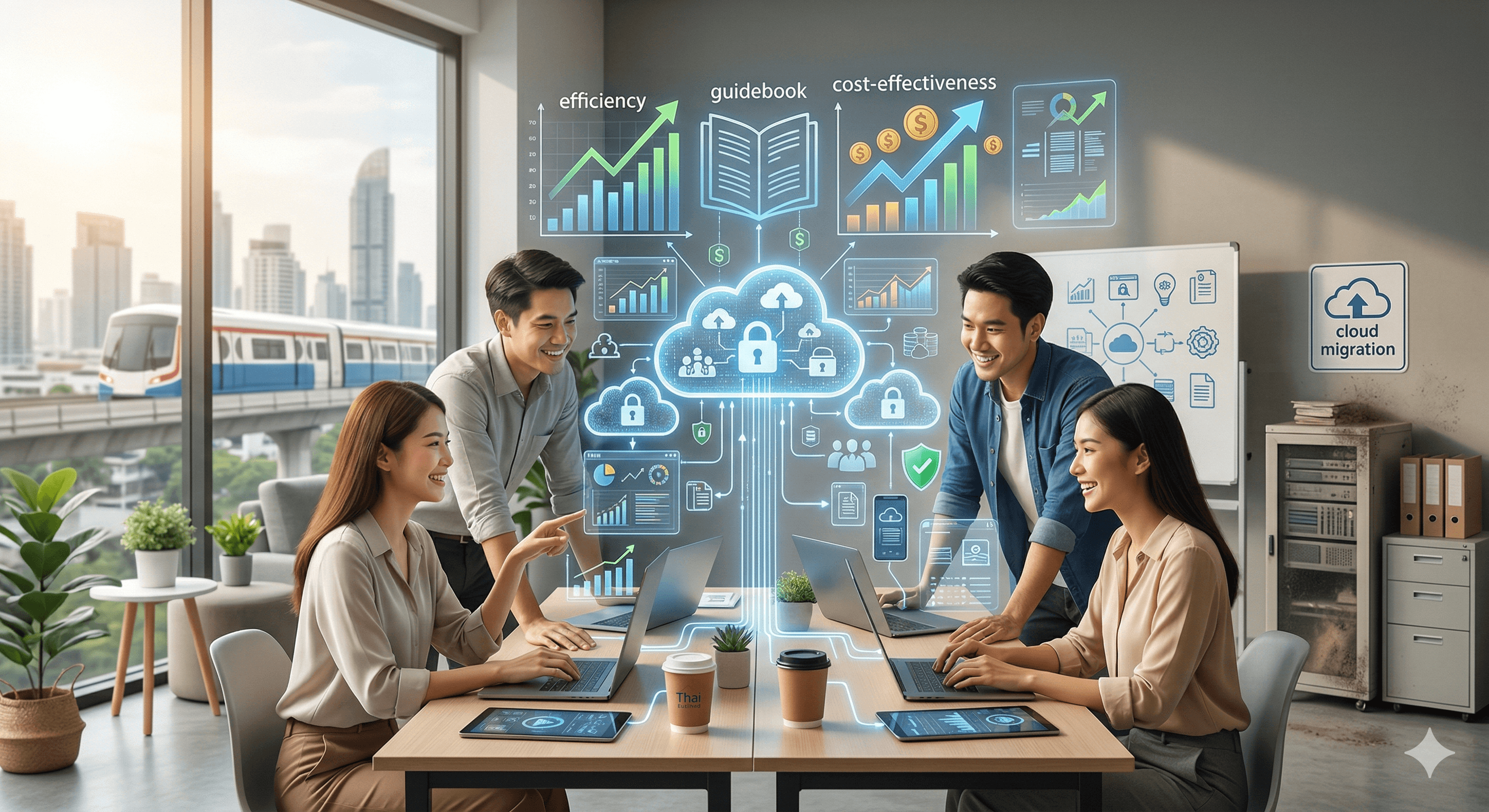
If you still worry about buying expensive servers, or fear that the data on your company computers might be lost, Cloud Computing is the answer that removes those limits. This article explains in plain terms how cloud systems help Thai SMEs save money and grow faster.
What is Cloud Computing?
In simple terms, Cloud Computing means "renting" computing resources over the internet, whether that is storage, processing power or various kinds of software, without buying the equipment yourself and paying only for what you actually use (Pay-as-you-go), much like paying a water or electricity bill.
Types of cloud that SMEs should know
So that you can choose according to your budget and needs:
- Public Cloud: Renting resources that are shared with other users (for example, Google Cloud or AWS)
- Strengths: Low cost, ready to use immediately, and no need to maintain the system yourself
- Private Cloud: A system built for the exclusive use of a single organisation
- Strengths: Very high security and privacy, suited to businesses with sensitive data
- Hybrid Cloud: A combination of public and private cloud
- Strengths: Highly flexible and easy to adjust as workloads change
3 benefits Thai SMEs get from using the cloud in 2026
- Lower upfront cost (Lower CapEx): You do not have to spend a large sum on hardware or build your own server room. You pay a monthly service fee (OpEx) instead, which helps you keep your cash position healthier.
- Work from anywhere (Hybrid Work): Employees can reach work files and back-office systems from anywhere at any time, as long as they have an internet connection, which suits the way people now work.
- World-class security: Well-known cloud providers have hacker protection and backup systems that are better than a small business could build itself, which reduces the risk of a Data Breach under the PDPA law.
Where should a Thai SME start with the cloud? (Checklist)
- Email and documents: Start simply with Google Workspace or Microsoft 365
- File storage: Use Dropbox Business or OneDrive for secure file sharing
- Accounting and HR: Choose ready-made accounting software on the cloud (SaaS) so you can view reports in real time
- Connecting with AI: In 2026, most cloud systems come with AI tools that analyse your sales data automatically
FAQ: Frequently Asked Questions About Cloud Computing
Q: Can we still work if the internet goes down?
A: If the internet goes down, you may temporarily be unable to reach your data on the cloud. However, many applications now have an "Offline Mode", and 5G/6G technology in 2026 makes connections stable enough that this is rarely a problem.
Q: Could my data on the cloud be lost?
A: It is very unlikely. Providers keep backups of your data in multiple data centres around the world, which is certainly safer than keeping it on an external hard drive or a single computer in the office.
Q: Does an SME need to hire a dedicated specialist to manage it?
A: If you use a ready-made system (SaaS), you do not need a dedicated IT specialist. The provider looks after the system entirely, and you only need to manage your users' access rights.
Summary: Cloud Computing is an essential foundation that helps Thai SMEs compete at an international level. If you start using it today, your business will be more agile and better prepared to handle change.