How to Make Animations in Claude Design That Work as Both Video and Live Web Pages
Claude Design makes animations in just a few steps. Go to the "What should we create?" page and choose the Animation template, attach your Design System or brand, and give instructions with a prompt in plain, everyday language. You can then export an MP4 file for social posts, or an HTML file with real clickable interaction for the web.
What sets this tool apart from ordinary video editing software is that the output doesn't end as a "video clip". You also get a project file you can develop further. This fits the market direction, where marketing teams rely more and more on AI in video production. Wistia's State of Video 2026 report, which surveyed more than 900 marketing teams, found that more than 1 in 3 already use AI in their video workflow, and nearly another 1 in 4 plan to start soon Source: Wistia
What are the steps for making an animation in Claude Design?
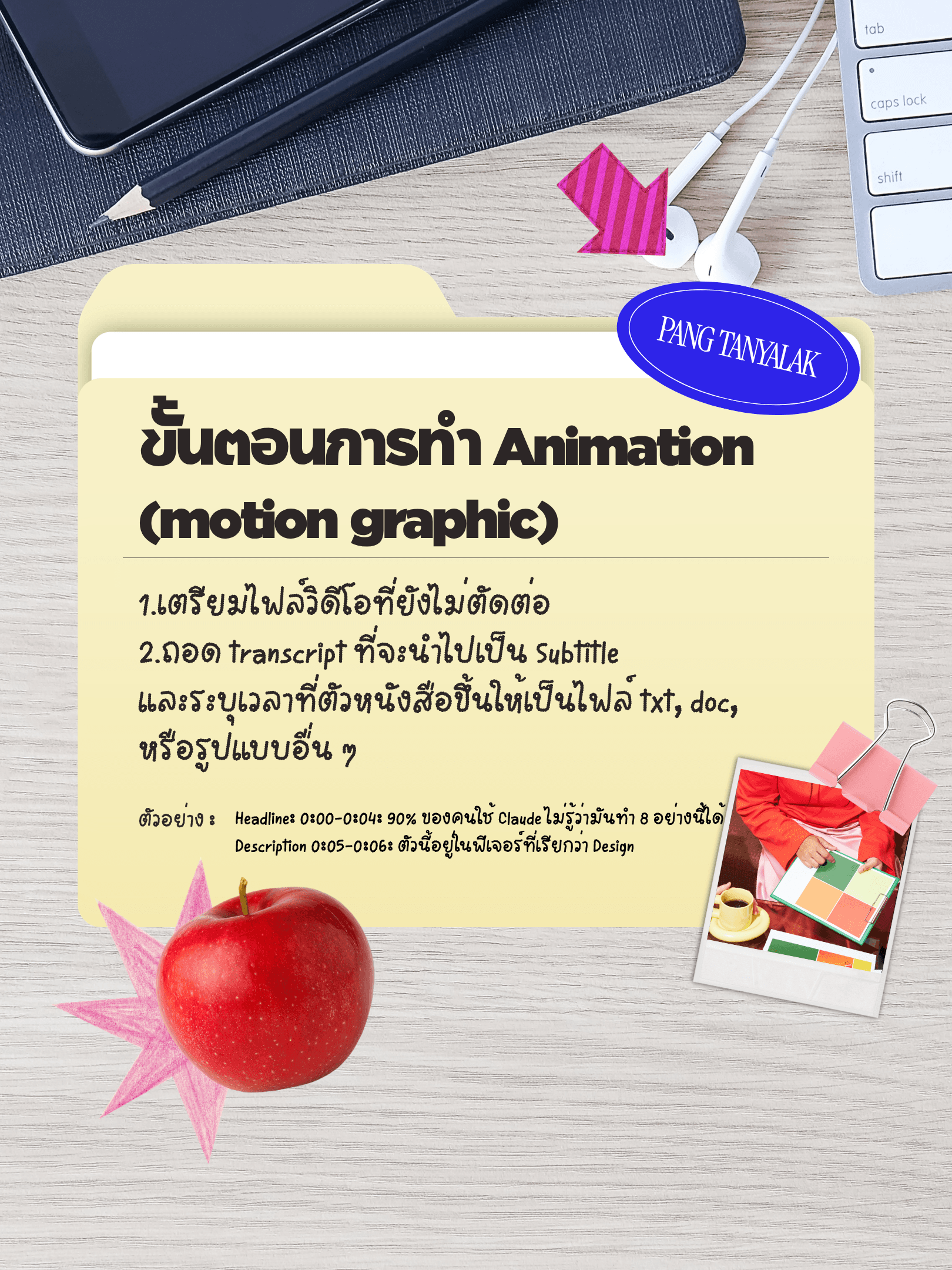
Making an animation in Claude Design takes 4 main steps: choose the Animate template, attach your design system or brand, give instructions with a prompt, then export the file. All of it happens in a single window, with no need to switch programs.
Step 1: Go to the "What should we create?" page and choose the Animation template from the template bar. Other templates, such as Mobile app design, Slides and Wireframe, are in the same row. Step 2: Click Animate > click the + button to attach files. This can be your company's design system (for example, the Custocare Design System) or existing brand visuals, so the result matches your business's colours and fonts. Step 3: Type a prompt describing what you want. The system creates a draft for you to review first, and you can then ask for changes. Step 4: Type a prompt giving editing instructions. At this point the system also creates the clip as an HTML file for you, not just a plain video.
What file formats can you export an animation as, and how do you use them?
Animation files from Claude Design can be exported in 4 main formats through the Share > Export button: Video (MP4) for posting directly to social media, Project HTML for putting on the web with real clickable interaction, PDF for printing or sending as a document, and PowerPoint for further editing in a familiar slide format.
One thing to know: the exported MP4 file has no sound, because the system renders frame by frame. If you want a voice-over, you need to combine an audio file with the clip in a video editing program. The HTML file you get can be uploaded to Netlify and opened immediately as a web page you can really click through. This suits work where viewers need to interact, such as a sample landing page.
What kinds of animation can Claude Design make, and what work is it for?
Claude Design can make a wide range of animations, from marketing work to development work, such as clickable landing pages, pitch decks with speaker notes, mobile app screens whose flow you can test, and even 3D mockups or games.
There are 4 main practical examples. The first is building a landing page you can click through, not just a static image. Embed a Netlify link and it goes live on the web. The second is making a pitch deck that comes with speaker notes. Save it as PowerPoint or Canva and edit it further. The third is making mobile app screens, such as a leave-request page or a payslip, where you can test the tap-through flow before handing it to the dev team. The fourth is making a 3D mockup or a game, such as a game's start page in the browser, which suits presenting an idea to your team or clients so they can see it before real building begins.
A real example from the Custocare team
Within Custocare itself, the "Claude Design Playbook" topic was presented at the Claude Connect Chiang Mai event in July 2026. This shows the workflow was tested in real use before being taught on, and is not just theory from a manual.
Frequently Asked Questions
Do I need video editing skills to make animations in Claude Design? No. You work by typing prompts that describe what you want in everyday language. The system creates a draft for you to review first, and you can then ask for changes one point at a time. It suits people with no background in video editing software.
Does the exported file include a voice-over? No, because the system renders frame by frame. If you want narration, you need to combine the MP4 file with an audio file in a video editing program as an extra step.
Can I attach my company's design system? Yes. Click the + button on the Animate page to attach your company's Design System or brand files. The result uses colours and fonts that match your brand straight away, with no need to adjust them afterwards.
Can I use the HTML file for a real website right away? Yes. Upload the Project HTML file to Netlify and it opens as a web page with real clickable interaction. This suits sample landing pages or demos where clients need to click and try things themselves.
Is it suitable for a small business without a graphics team? Yes. ETDA data found that Thai SMEs are still at the Digital Follower level, meaning they use digital tools in part but not yet to their full potential. A tool like this helps close the design and video team gap that most SMEs still lack Source: ETDA Digital Maturity Index Survey 2025
Which Claude model do I need to make animations? In the real example, the Sonnet 5 model was chosen for the build, which is enough for landing pages, pitch decks and general mockups.
Why use video in marketing content at all? Because video has become a core part of content strategy. A Content Marketing Institute survey found that 84% of B2B marketers use video as part of their content marketing strategy. A tool that makes animations quickly therefore helps ease the bottleneck for teams without a dedicated video editor Source: Content Marketing Institute via Contentshifu
Author: Tanyalak Techapeompol Managing Director of Custocare, a consultancy for AI and Digital Transformation, with 17 years of IT experience Speaker on "Claude Design Playbook" at Claude Connect Chiang Mai (Jul 2026) Profile · LinkedIn
Published: 20/08/2026 | Last updated: 20/08/2026
References