
ChatGPT Can Now Make GIFs with Images 2.6: How Businesses Can Use It for Memes and Content
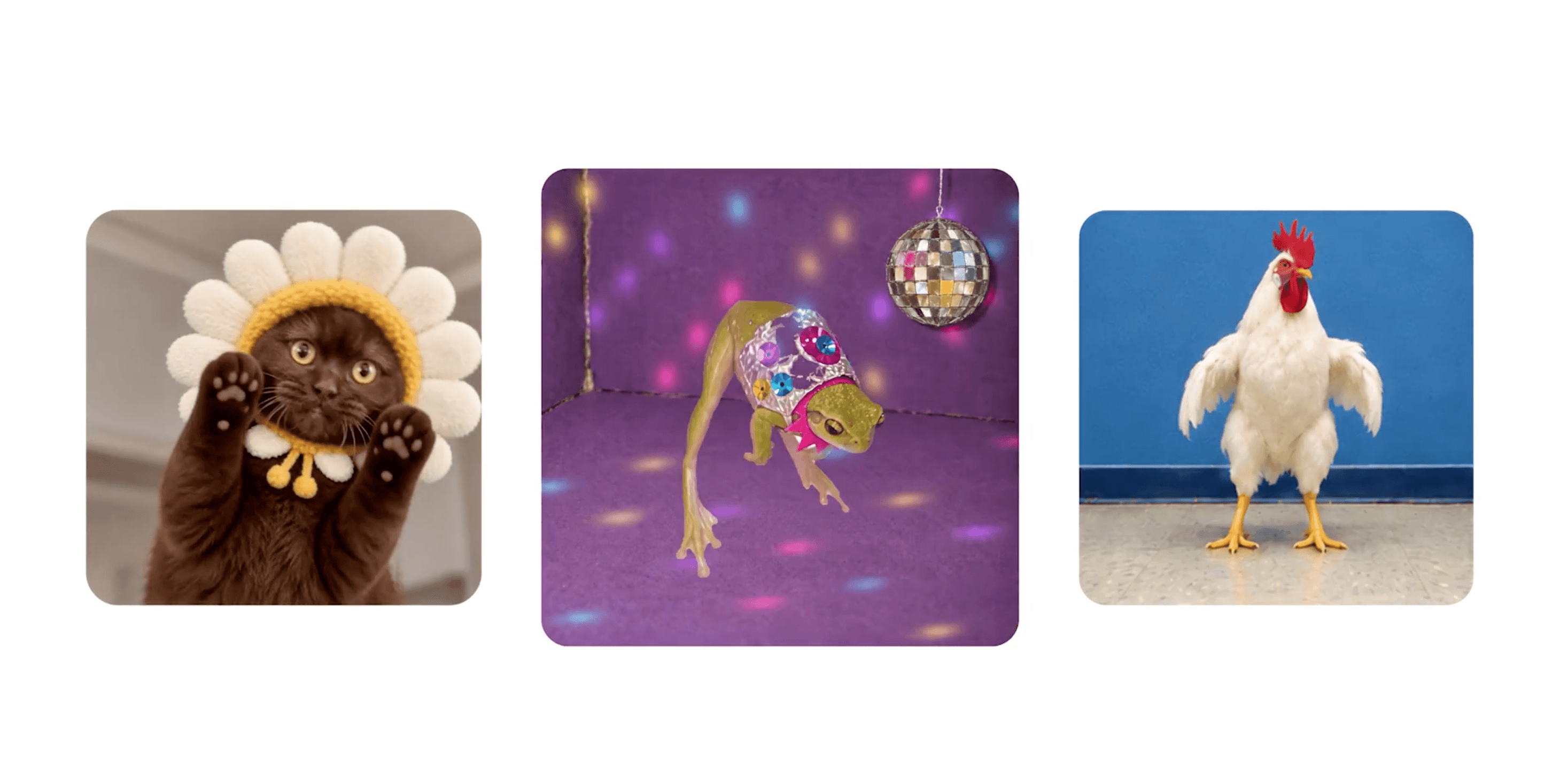
OpenAI has let ChatGPT create GIFs since 4 November 2026, using its new image model, Images 2.6. You can start from text, such as "make a GIF of a dancing cat", or upload a photo and have it move. You can then adjust the speed, edit individual frames, and share the result right away (The Decoder).
Before this, ChatGPT could not make a GIF in one step. You had to generate images one by one and stitch them together in another program. Now the whole process happens in a single chat (TNW).
How Does ChatGPT Make GIFs?
The idea is to create several still images that differ slightly, then string them together like a flipbook. What makes it actually usable is the consistency of Images 2.6: a character looks the same in every frame. With earlier models, the character's appearance would drift from frame to frame until it no longer looked like the same one.
What you can do right now:
- Create from text: describe the GIF you want
- Create from a photo: upload a product photo, a photo of a person, or a mascot, and have it move
- Adjust the speed: make it play slower or faster
- Edit individual frames: pick a frame you don't like and ask for changes to that frame only
Beyond GIFs, Images 2.6 also makes general image generation faster. Developers get two new API models: GPT-Image-2.6 Flare, which focuses on speed, and Sunburst, which focuses on quality. OpenAI says users now create more than 4 billion images a week in total, up 1 billion from September.
Who Can Use It Now?
OpenAI is gradually rolling it out to ChatGPT and Codex users on the web, desktop and mobile, but has not said when each plan gets access or what the usage limits are. If you don't see the feature yet, your account may simply not have reached its turn.
Details that have not been clearly announced include the maximum GIF length, number of frames, resolution and file size. Before planning serious use, try making 2–3 GIFs to see whether the results work for your channels.
What Can Businesses Use ChatGPT GIFs For?
GIFs are short, loop, and need no sound, so they suit places where people scroll quickly. Good first things to try:
- Memes for replying to comments and chats: make a set of GIFs of your mascot or brand character to reply to customers on LINE OA or Facebook, such as thank you, order received, or on its way
- Bring existing product photos to life: take product photos you already have and make them spin, add rising steam, or add a little sparkle, for your online store or promotional posts
- Explain short steps: for example, how to scan a QR code or how to claim a coupon, as a 3–4 frame GIF instead of a long written explanation
- Email headers and banners: GIFs play in almost every email program, unlike video, which often won't play
What to Watch Out for Before Posting as a Brand
Once GIFs are easy to make, your team will produce a lot of them very quickly. Agree on some ground rules first:
- Don't use real people's faces without consent: whether customers, celebrities or staff. Animating photos of people carries risks for both rights and reputation
- Don't parody copyrighted brands or characters: a meme that is funny in a group of friends can become a problem when posted from a company account
- Check every frame before posting: middle frames may have extra fingers, garbled text or a wrong logo, which you won't notice while the GIF plays quickly
- Add Thai text yourself afterwards: Thai text in AI-generated images can still come out garbled. If the GIF needs text, ask for a version without lettering, then add the text yourself in Canva or an editing app
Frequently Asked Questions
Since when can ChatGPT make GIFs? OpenAI began rolling it out on 4 November 2026 together with the Images 2.6 model. Some accounts may not see the feature right away.
Do I need a paid plan? OpenAI says it is rolling out to ChatGPT and Codex users on all platforms, but has not detailed the conditions or limits for each plan.
Can I make a GIF from my own photos? Yes. Upload a photo and ask it to move. Only use photos you have the right to use, and take extra care if the photo shows people's faces.
Can I edit a GIF after it's made? Yes. You can adjust the playback speed and choose to edit only certain frames without remaking the whole thing.
How many seconds can a GIF be? OpenAI has not announced the maximum length, number of frames or file size. Try it and check the actual results before using it for important work.
Can ChatGPT make videos yet? A GIF is not a video: it has no sound and lasts only a few seconds. OpenAI shut down its Sora video app in March, so GIFs in ChatGPT are the option for short animations for now.
Author: Tanyalak Techapeompol Managing Director of Custocare, an AI and Digital Transformation consultancy, with 17 years of IT experience Former CIO of Oasis Spa Group, overseeing IT across 14 branches in 4 provinces · AI speaker and guest lecturer at Chiang Mai University and private-sector organizations Profile · LinkedIn · Certifications
Published: 06/11/2026 | Last updated: 06/11/2026
References